
From product photo to campaign concept: what Superscore AI is built to do
A product profile based on Superscore’s public website and AppHunter listing; this is not a customer review.
A product team has a launch coming up. The product photos are ready, the rough idea is there, and someone needs to turn it into a set of visuals that can actually be shared. A traditional shoot or a long editing queue may be out of reach. But opening a handful of separate generative tools can create its own work: move files around, repeat context, and try to keep the look consistent.
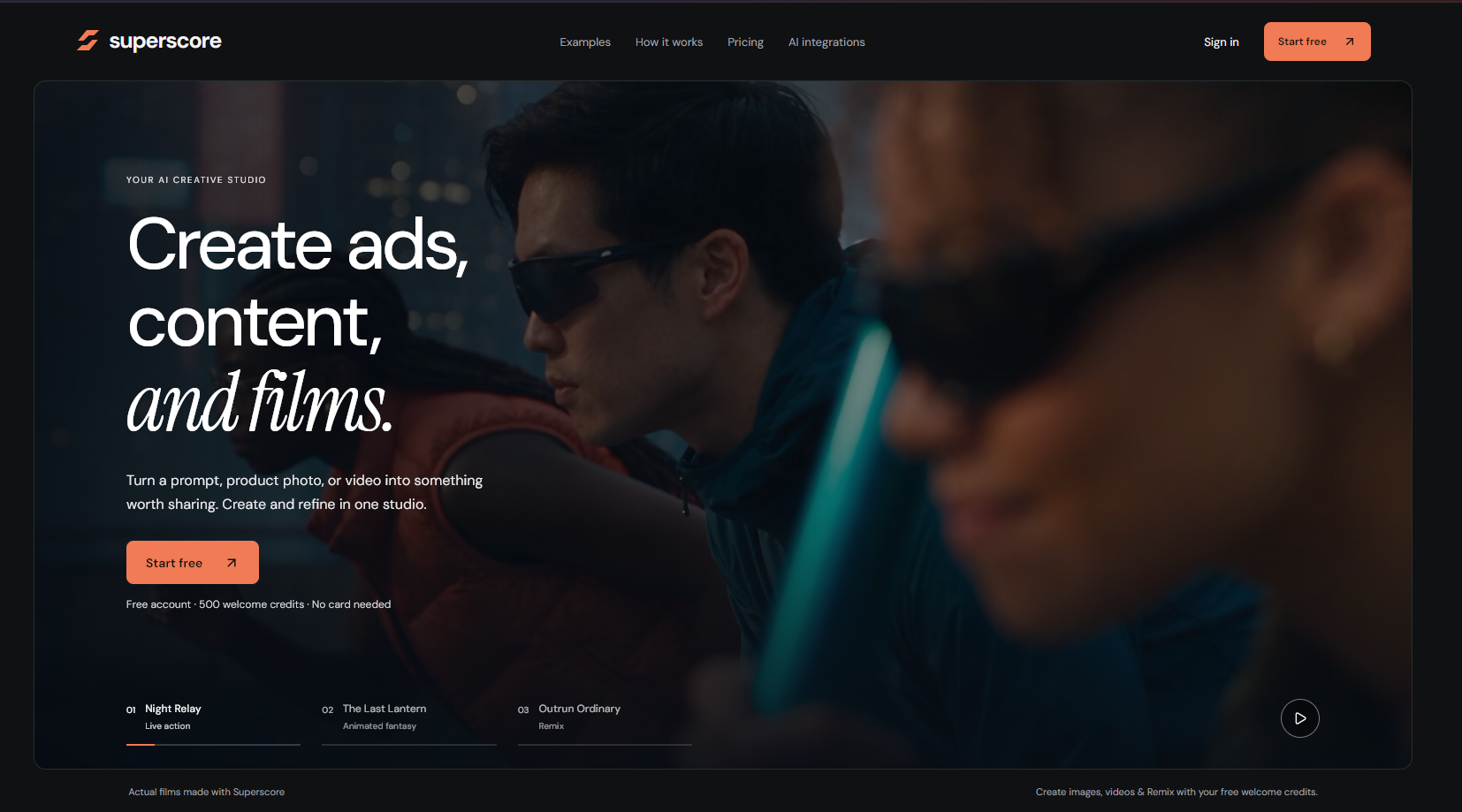
Superscore AI is built around that creative handoff. Its public site describes a studio where people can start from a prompt, a product photo, or video, then create and refine visual work in one place. The goal is less “press a button and accept whatever appears” and more a working space for shaping an idea into an ad, a piece of content, or a short film.
Start with the asset or idea you already have
Not every campaign starts with a polished brief. Sometimes the starting point is a product image; sometimes it is a few lines about a mood or scene. Superscore’s workflow is meant to accept those different starting materials, which can make it easier to explore a direction before investing in a full production.
From there, the important word is refine. Creative output often needs another pass: adjust the prompt, rethink the composition, or try a different visual treatment. Keeping creation and refinement close together is useful when a team wants to compare directions without rebuilding the brief from scratch each time.
Why a shared creative studio matters
For a solo maker, the appeal may be speed and experimentation. For a small marketing team, it may be having one place to explore ad concepts, social content, and film ideas. Superscore describes collaboration as part of the product, so a creative direction can be discussed and iterated on rather than treated as a one-off generation.
That does not remove the human work. Someone still needs to decide whether an image fits the brand, whether a claim is accurate, and whether the final asset is appropriate for its audience. The software can help make more options available; people remain responsible for choosing and checking what gets published.
Where to begin with AI ad creation
A useful first experiment is a single, specific campaign brief. Bring one product photo or a short prompt, define the audience and channel, then generate a few concepts. Compare them on the same criteria: does the product read clearly, does the visual match the brand, and would the idea make sense to a customer who has never seen the brief?
That is a more reliable way to judge an AI ad generator than chasing a perfect result from a vague prompt. If a concept is close, refine it. If the images look attractive but say nothing meaningful about the product, tighten the brief before producing more.
Who should take a closer look?
Superscore is aimed at people making marketing and creative work: brands, agencies, professional creators, and film teams. The public site offers a free account with welcome credits, so a new user can explore the workflow before deciding whether it fits. Credit offers and pricing can change, so check the product site for current terms.
For teams that already have a clear creative process, the question is whether one studio makes exploration and review easier. For people who are still figuring out their visual direction, it may be a way to get from “what if?” to a concrete concept that can be improved.
See Superscore AI’s creative studio
Visit the official website for current features, account details, and pricing.
Visit Superscore AI ↗Find apps and support the people building them
Explore early products, meet their makers, and discover deals from small developers in Demand Lab.
Explore Demand Lab ↗